
Labels
Return labels: how they work, and how to automate them
Updated August 2026
A return label is a prepaid shipping document booked on your carrier account so the customer can send the parcel back. Getting it right is mostly about who pays, which product code the carrier expects, and never booking the same one twice.
Try it yourself
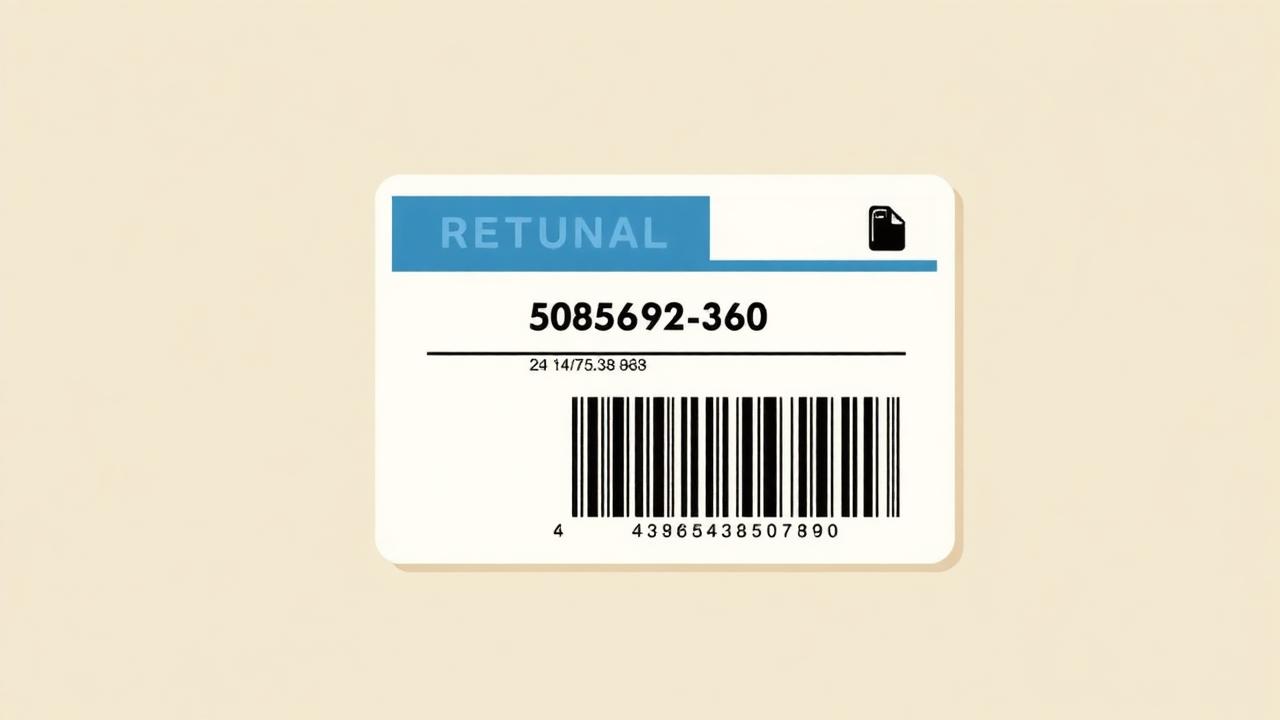
In the demo portal you can generate a label and see the print preview exactly as your customer does.
Open the demo return portal- 6 min
- Typical agent time to book one label by hand
- Nexly worked example
- 75 hrs/mo
- At 750 manual returns per month
- Nexly worked example
- 2 labels
- Inbound + outbound needed for every exchange
- Nexly
- 0
- Duplicate labels, thanks to idempotent requests
- Nexly
The three label types
Almost every returns operation needs all three.
- Inbound return label — prepaid by you, attached to the return request.
- Outbound exchange label — the replacement parcel going back out to the customer.
- Customer-paid return — no label from you; instead instructions, your return address and an optional tracking field.
Home delivery vs parcel shop
Carrier products differ: some require a service point (parcel shop) and will reject a shipment without one. Nexly detects shop-delivery products, resolves the nearest pickup point from the Shopify shipping address, and falls back to home delivery when none is found — so the booking does not silently fail.
One label per request, always
The classic failure of manual and half-automated flows is duplicates: the customer clicks twice, the agent retries, and you pay for two labels. Nexly fingerprints each request by order, items, action and exchange variant. An exact retry returns the existing label. An overlapping request on the same items is blocked with a message instead of another booking.
Where the label lives
The PDF is stored with the return request in private storage and served through a token-protected link, so it stays available in the customer's status page and in your dashboard — not buried in an email thread. Tracking numbers are stored as data, not as text someone pasted.
Per-country templates
Carrier and product differ per market. Nexly lets you set inbound and outbound templates per country — DK, SE, NO, DE and the rest of the EU — loaded live from your 3PL, with a manual template ID as fallback.