Return portal
Return portal for Shopify: what it is, and how to set one up
Updated August 2026
A return portal is the page your customer opens instead of writing to support. It looks up the real Shopify order, applies your rules, offers an exchange before a refund, and produces the return label — without anyone on your team touching it.
Try it yourself
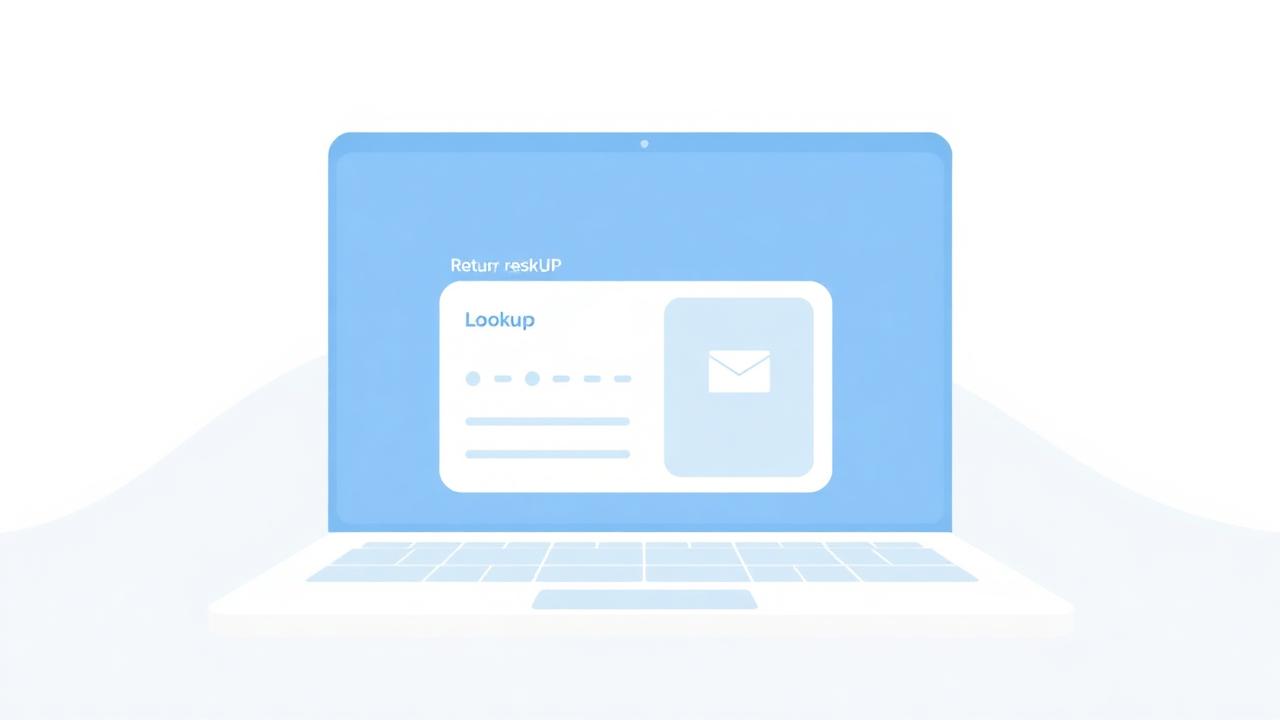
Open the live demo portal and run a return, an exchange and a cancellation on a sample order — no signup.
Open the demo return portal- 0 emails
- Support contacts needed for a standard return
- Nexly self-service flow
- < 60 sec
- From order lookup to printed return label
- Nexly worked example
- 76%
- Of consumers weigh returns when choosing a store
- NRF & Happy Returns, 2024
- 1 URL
- Your own branded portal, e.g. nexly.dk/your-store
- Nexly
What a return portal must do
Most 'portals' are just a contact form with a nicer background. A real one is connected to the order and to the carrier.
- Look the order up from Shopify by order number and email — no account required.
- Show only the items that are still returnable, taking already-returned quantities into account.
- Apply your window, your reasons and your per-country shipping rules automatically.
- Offer an exchange (same product, another size — or any product from your catalogue) before offering a refund.
- Create the return label with your own 3PL account and store it with the request.
- Write the outcome back to the Shopify order so Admin shows the truth.
Setting it up in Nexly
Setup is four steps and typically done in an afternoon.
- Connect Shopify with an Admin API token (read/write orders, returns, products, customers).
- Connect your 3PL — Shipmondo, or another carrier account — and pick the label templates per country.
- Set your rules: return window, allowed actions, reasons, return fee and who pays return shipping.
- Brand it: upload your logo and choose your portal URL, e.g. nexly.dk/your-store.
What your customer sees
Order lookup, item selection, a reason, then the choice: exchange or refund. If they exchange to a more expensive variant, Nexly shows the extra amount in their own currency and collects it with a Shopify checkout link before confirming. If they return, they get the label immediately — or, in countries where you do not pay for returns, clear instructions, your return address and an optional field for their own tracking number.
What your team sees
One dashboard grouped by order: every return, exchange and cancellation on that order, the labels, the tracking, the fee, and the refund button. Requests are idempotent, so the same return can never book two labels.
Compliance is built in, not bolted on
The portal is also your audit trail for the EU right of withdrawal: timestamped submissions, per-country windows, cancellation of unfulfilled orders, and a documented refund path.