
Manual
How to use Nexly
A step-by-step manual for the Nexly backend with screenshots: setup, every setting and what it does, how you process returns and exchanges, and what your customers see in the portal.
Updated 1 September 2026
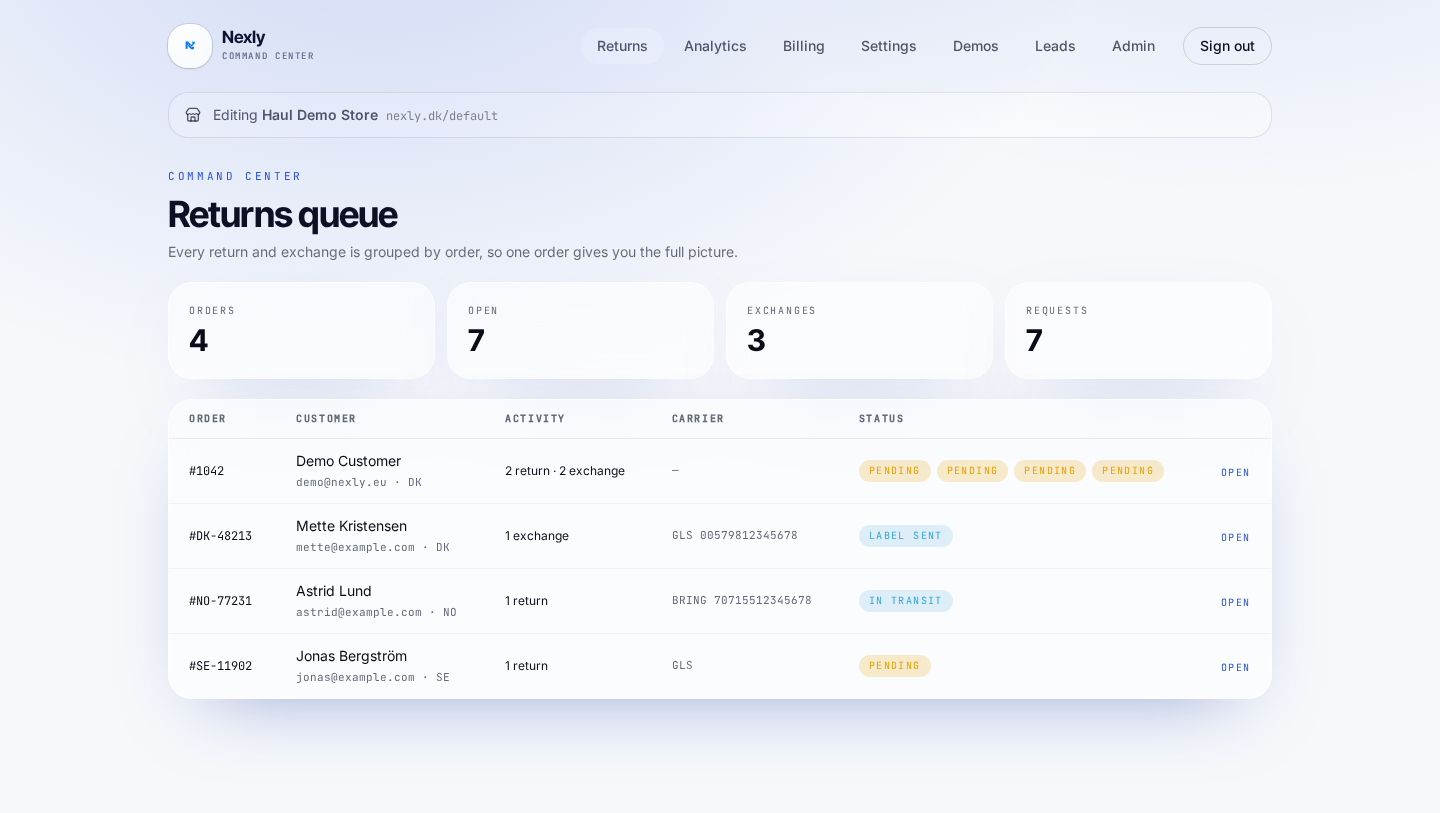 Chapter 1Getting started with NexlyFrom login to a live return portal on your own address. Budget 20-30 minutes the first time.
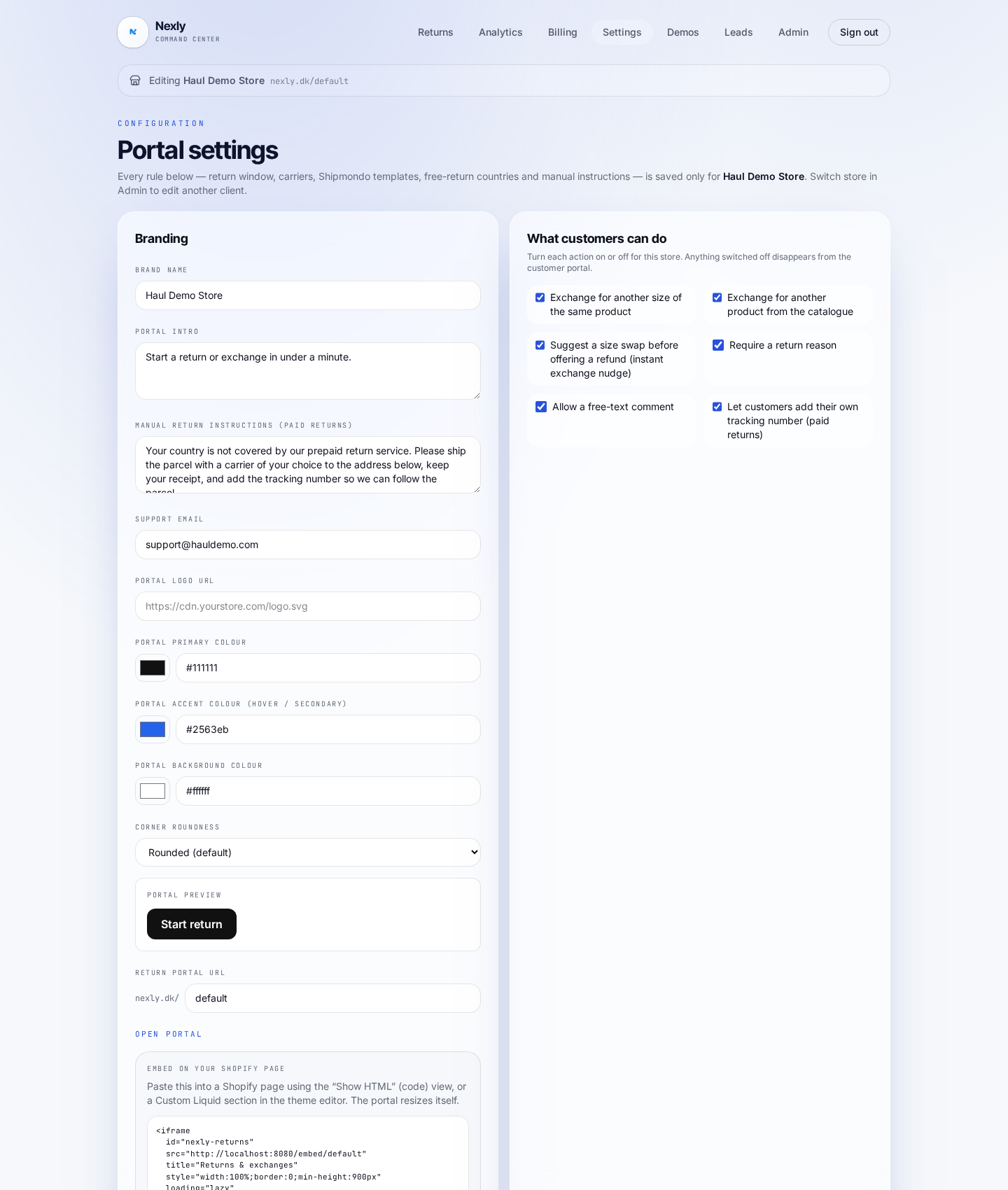 Chapter 2Every setting — and what it doesSettings is where you decide what the customer may do, what it costs, and how labels are delivered. Everything is stored per store and per country.Chapter 3Processing returns and exchangesThe returns queue is your daily workbench. Everything is grouped per order, so you see the whole case in one place — even when a customer both exchanges and returns.
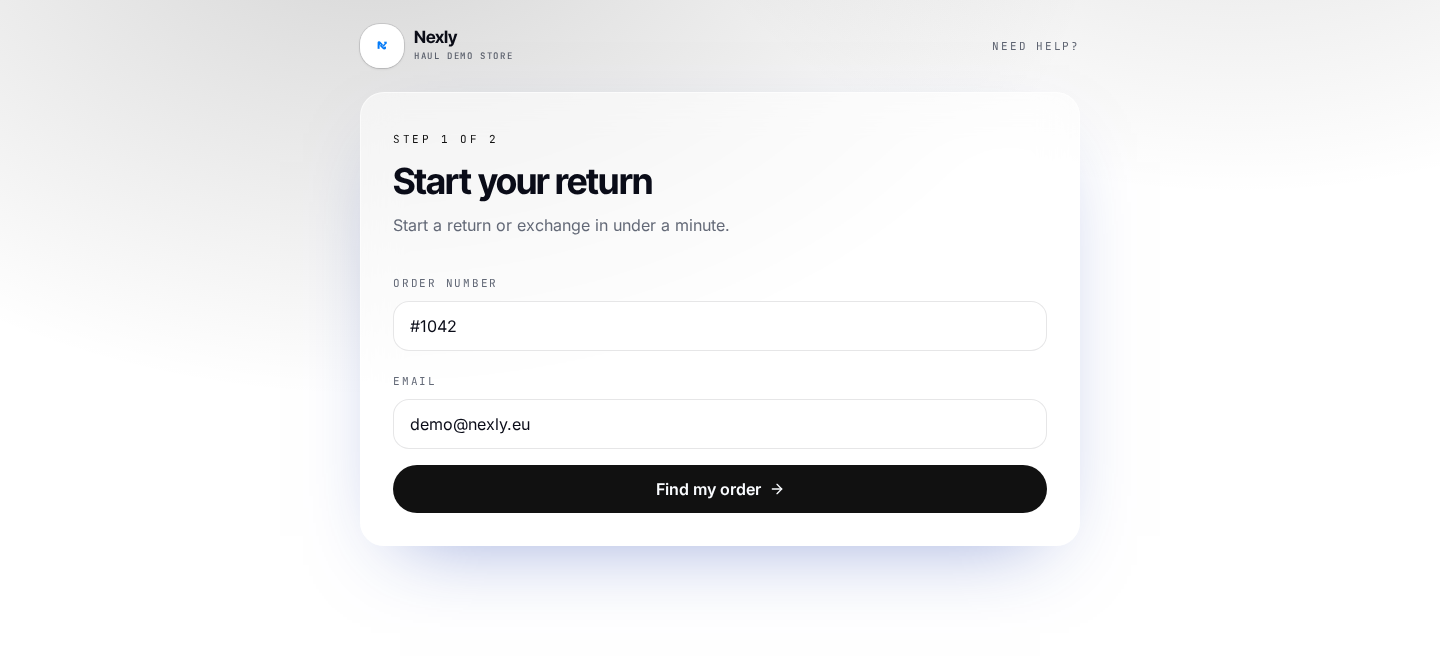 Chapter 4The portal from the customer's sideHow a return and an exchange feel for your customer — from order lookup to the QR code at the parcel shop.
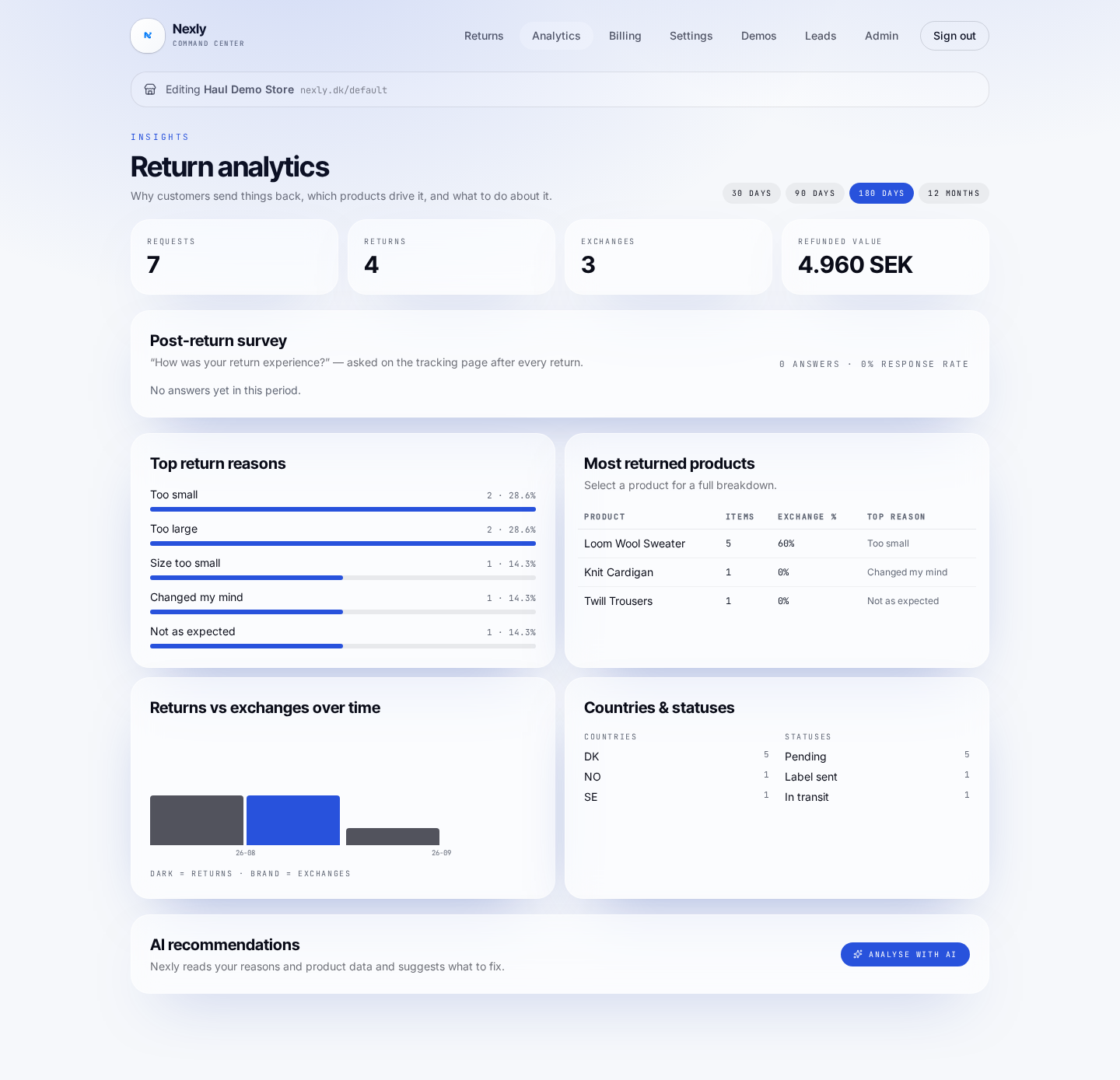 Chapter 5Analytics and AI insightThe Analytics tab shows why customers return — across the store and down to product level — and suggests concrete actions.
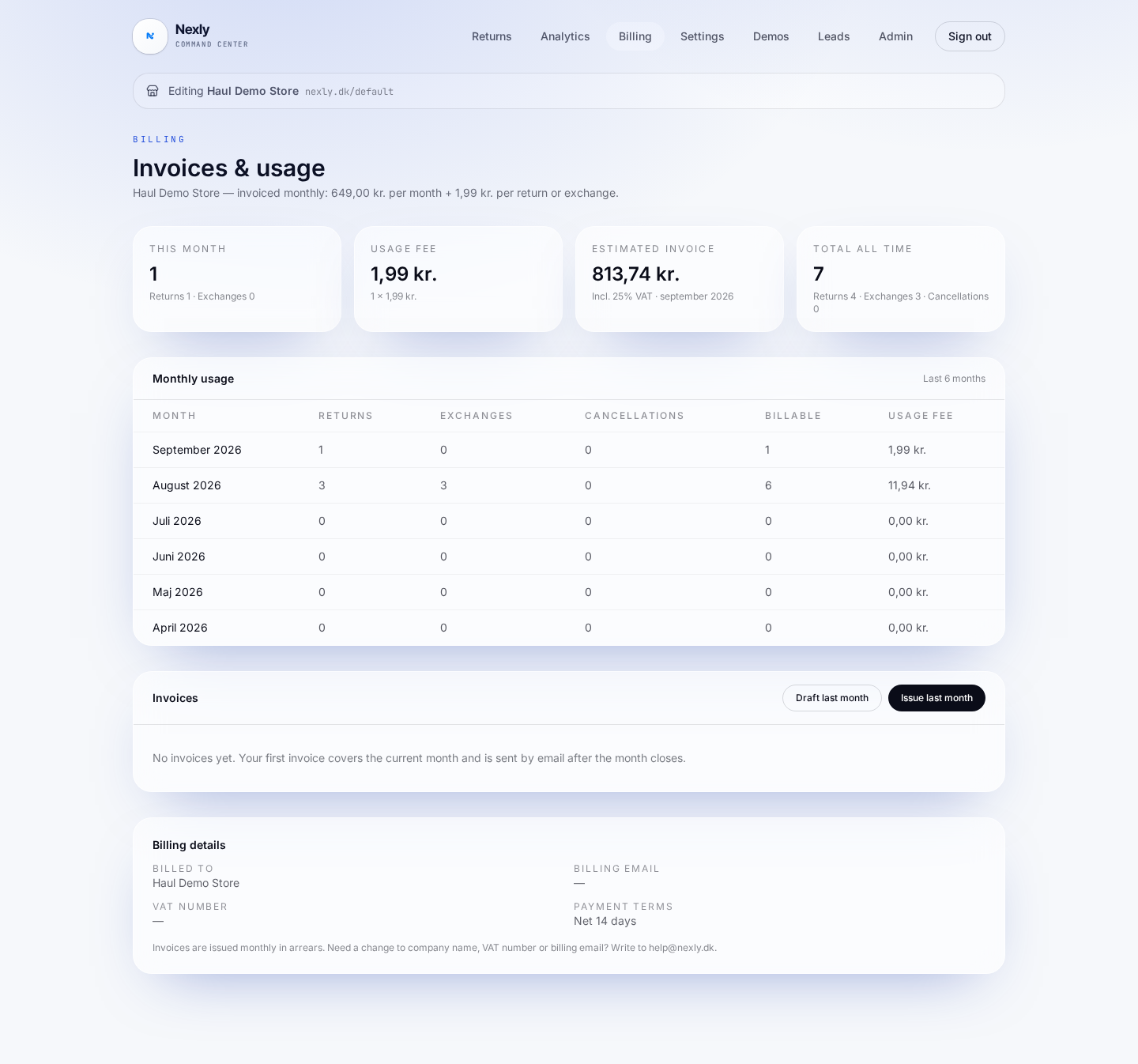 Chapter 6Usage and invoicesThe Billing tab shows month-by-month usage and every Nexly invoice.